Create a useful team update
Connect selected sources and saved work to a report your team can inspect and improve.
Explore this guide
Choose the scope
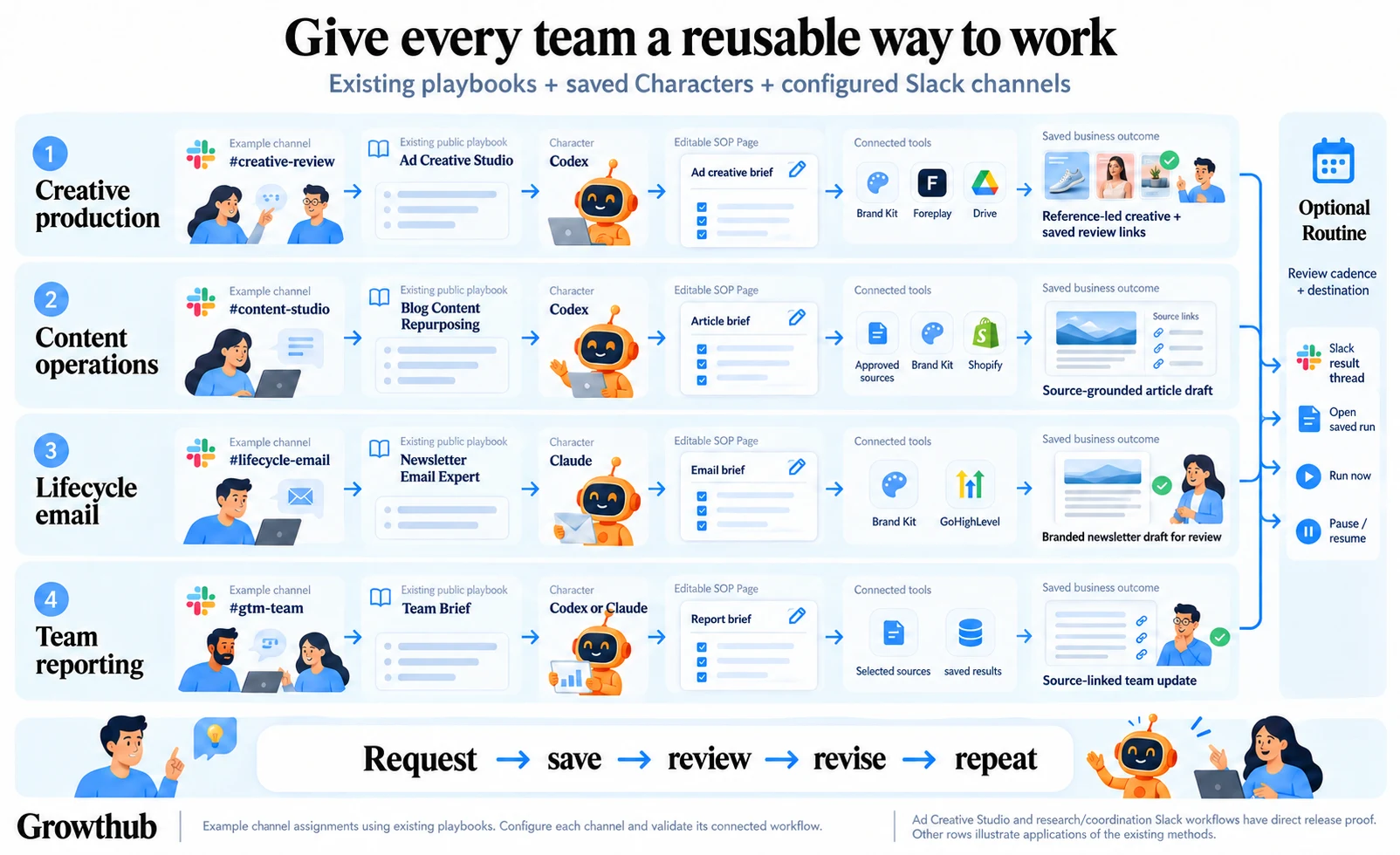
Use a saved reporting Character or Team Brief method. Specify the business area, period and authorized sources. If a source is unavailable, ask the Character to distinguish missing coverage from a verified zero result.
Read the full sectionA saved operational brief
An existing recorded briefing example. Read the request and output to see its scope before applying the approach to your sources.
A recorded run. Play, pause, change speed or explore the tool calls. Opening it does not start new work.
Choose the scope
Use a saved reporting Character or Team Brief method. Specify the business area, period and authorized sources. If a source is unavailable, ask the Character to distinguish missing coverage from a verified zero result.
Ask for an actionable update
Prepare a team update from these selected sources and saved results. Link each important finding, separate completed work from pending decisions and save the update on the working Page. Return the link in this conversation.
Make it useful every time
Review the first update with your team. Clarify the format and what should be preserved. Then review a Routine for the cadence and destination you actually need. Each source and action remains subject to the connected account and permissions.
See how the parts connect